
How to Choose a Used Communication Tester
Choosing a Used Communication Tester is less about finding the lowest price and more about knowing what the instrument can reliably measure. A clean case helps, but it proves little. Buyers should match supported frequency ranges, signal standards, modulation options, and analysis functions to the equipment they actually service. Check the model and firmware against the manufacturer’s documentation. Then inspect the display, connectors, keys, fan, and battery compartment. Small details matter.
A live demonstration is essential. Ask the seller to show a measurement using a known signal source, and compare the result with the tester’s stated specifications. Check calibration records, included cables, software licenses, and any options that may require separate activation. A low-cost unit can become expensive when a needed feature is missing. That happens. A useful expert quotation belongs here only after its source is verified: “[Insert a sourced statement from a named communication-test expert about verification or measurement accuracy.]” I would not invent an attribution; it weakens trust. Even experienced buyers can overlook an aging connector or a battery that fails under load. Leave room for uncertainty, and document what the seller demonstrates. A careful Used Communication Tester purchase starts with evidence, not confident sales language.
Define Your Testing Requirements and Intended Applications
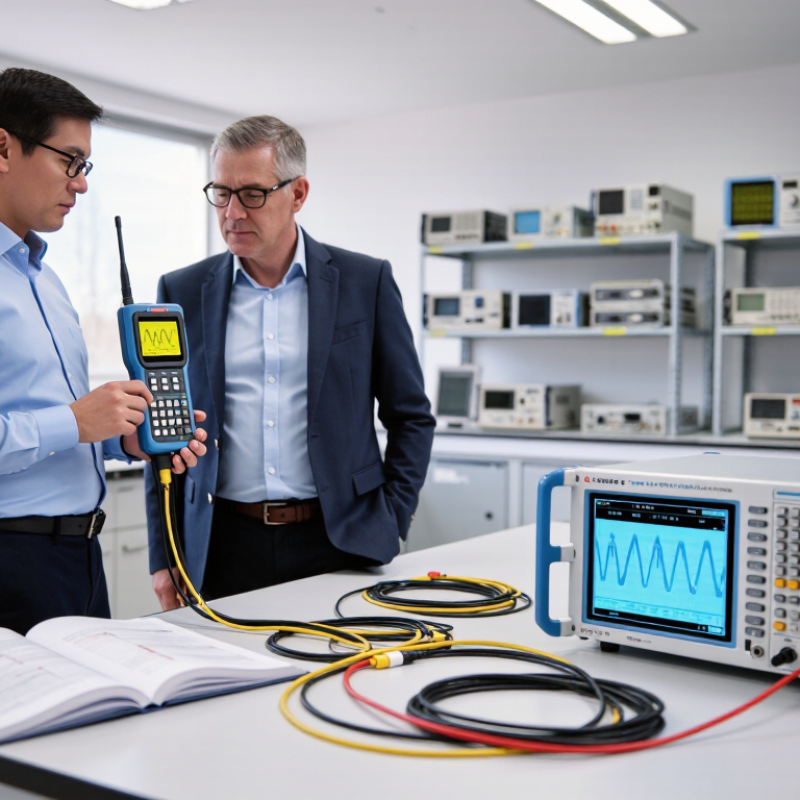
Choose a used communication tester by defining the signals and tasks it must handle. List the frequency ranges, bandwidth, modulation types, and signal levels you expect to measure. Note whether you need cellular, radio, or general-purpose testing. Also consider where you will work: a repair bench, a vehicle, or an outdoor site. Field use may require a battery, a bright display, and sturdy connectors. Bench work may call for different interfaces and test functions. Small details matter.
Tips: Write down two or three real test scenarios. For example, checking a transmitter’s output or measuring receiver sensitivity can reveal which functions are essential. Include the cables and adapters each task needs.
Before buying, compare those requirements with the tester’s specifications and available documentation. Check that its operating range covers your actual signals, not just a nearby range. Confirm that key functions work, and ask about calibration history and included accessories. A clean screen alone proves little. An older unit may suit routine checks, yet lack a feature your workflow depends on. That trade-off is easy to miss, especially when a low price feels persuasive. Revisit your list before committing; your intended applications should guide the choice.
How to Choose a Used Communication Tester - Define Your Testing Requirements and Intended Applications
Start by matching the tester’s supported technologies, frequency range, measurement capabilities, and interfaces to the work you actually perform. Verify every capability against the unit’s configuration and documentation before purchase.
| Testing Requirement | Typical Application | What to Check on a Used Tester | Practical Selection Guidance |
|---|---|---|---|
| Technology and signal format | Radio, cellular, wireless network, or digital communication troubleshooting | Supported standards, modulation formats, analysis options, and installed software licenses | Choose a unit that supports the specific signal types used in your work; do not assume an older tester can be upgraded to every newer standard. |
| Frequency range | Testing transmitters, receivers, antennas, and RF links | Published frequency limits, enabled frequency options, input connectors, and any required external converters | Confirm that the complete operating range of your devices falls within the tester’s usable range, including any guard bands you need to inspect. |
| Occupied bandwidth and channel spacing | Checking channel allocation, interference, and transmitter performance | Available analysis bandwidth, resolution settings, measurement modes, and applicable limits | Ensure the analysis bandwidth is sufficient for the widest signals you plan to measure; a wide frequency range alone does not guarantee wide analysis bandwidth. |
| Transmitter measurements | Maintenance and acceptance testing of radio transmitters | Power measurement range, modulation analysis, frequency error, spectral measurements, and measurement uncertainty specifications | Compare the tester’s stated accuracy and range with the limits in your service procedures or applicable test plans. |
| Receiver measurements | Evaluating receiver sensitivity, selectivity, and signal quality | Signal generator capability, output level range, level accuracy, modulation generation, and connection options | Check that the tester can generate the required signal types and low-level test signals for your receiver measurements. |
| Network and protocol testing | Device registration, call setup, data-session, or protocol troubleshooting | Supported protocol versions, signaling features, network emulation functions, and software entitlement status | Verify support for the exact protocol release and test scenarios required; protocol features may depend on licensed options or software versions. |
| RF ports and accessories | Connecting equipment under test, antennas, and external signal paths | Connector condition, port labeling, cable compatibility, supplied adapters, and any signs of damage or looseness | Inspect connectors closely and budget for suitable cables, attenuators, or adapters. Damaged or mismatched RF connections can affect readings and equipment safety. |
| Control and data interfaces | Automated test sequences, logging, and transfer of measurement results | Available USB, Ethernet, serial, or other interfaces; remote-control documentation; file export formats; and software compatibility | Confirm that the tester can communicate with your computer or test system and that its data formats fit your existing workflow. |
| Portability and power | Field service, mobile maintenance, or bench testing | Battery condition, charger, operating time, weight, display condition, and availability of replacement batteries | For field work, test the battery under load and confirm that charging and external-power functions operate reliably. |
| Calibration and verification | Measurements used for maintenance records, acceptance tests, or quality systems | Calibration certificate, calibration date, traceability details, stated uncertainties, and service history | Allow for recalibration if the certificate is missing, out of date, or does not cover the functions you need. A power-on self-test is not a substitute for calibration. |
| Condition and operating history | Assessing reliability before purchase | Display and keypad operation, cooling fans, connectors, error logs, self-test results, and evidence of repair or physical impact | Request a demonstration with representative measurements and review any faults. Confirm the return or evaluation terms before committing. |
| Total ownership cost | Planning a purchase for a lab, service team, or repair bench | Included options, accessories, calibration, software access, repairs, shipping, and replacement-part availability | Compare the complete cost of making the tester ready for your intended work, not just the purchase price of the base unit. |